What Is Telegram?
Telegram is a cloud-based messaging application that allows users to stay connected across multiple devices without relying on a single phone. Because messages and media are stored in the cloud, users can access the same account from a smartphone, tablet, or desktop without losing chat history. This design makes Telegram especially convenient for people who manage many conversations or switch devices frequently. Over the years, Telegram has evolved from a simple messaging app into a platform used for communication, content distribution, and automation.
How People Commonly Use Telegram
While Telegram can be used for everyday private chats, many users rely on it for much more than one-to-one messaging. It is widely used to run large group discussions, manage online communities, and publish content through public or private channels.
Telegram has become particularly popular in areas such as crypto, gaming, and technology, where fast updates and direct communication matter.
For creators and businesses, it often serves as a direct channel to audiences without the limitations of traditional social media platforms.
Key Features Supported by Telegram
Telegram offers a wide range of features that go beyond basic text messaging. Users can send large files, create channels for one-way broadcasting, and use bots to automate tasks like notifications or customer interactions.
Another notable feature is the use of usernames, which allows people to communicate without sharing their phone numbers publicly. Combined with cross-device syncing and an open API, these tools make Telegram attractive to both casual users and more advanced, technical users.
Is Telegram Secure and Private?
Telegram provides different levels of privacy depending on how it is used. Standard chats are cloud-based and encrypted, allowing messages to sync across devices for convenience. For users who prefer stronger privacy, Telegram also offers secret chats with end-to-end encryption that stay on a single device. This flexible approach allows users to choose between accessibility and higher privacy, though it is important to understand that account creation still requires phone number verification.
Does Telegram Require a Phone Number?
Yes, Telegram requires phone number verification to create a new account. This step is designed to reduce spam, prevent automated account creation, and maintain platform stability. Once the registration process is complete, users can set a username and communicate without revealing their phone number publicly. For many people, this balance between account verification and public privacy is one of Telegram’s main advantages.
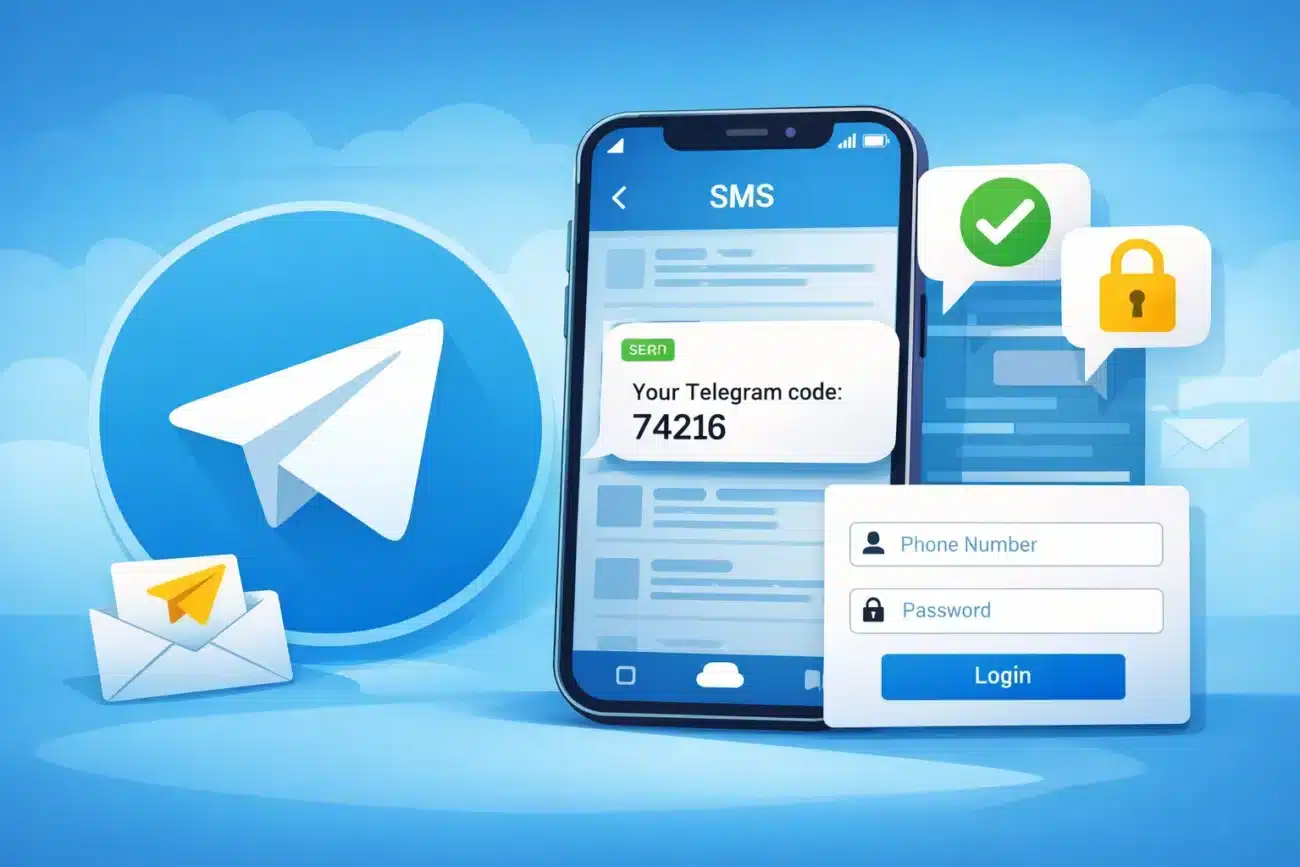
How Telegram SMS Verification Works
When registering a new account, Telegram sends a verification code using one of the following methods:
- In-App Verification Code
If the phone number has been used before, Telegram may send the code directly inside the Telegram app. - SMS Verification Code
New phone numbers usually receive a one-time code via SMS. - Voice Call Verification
In some regions, Telegram provides an automated voice call if SMS delivery fails.
Most online verification services support SMS verification only, not in-app codes.
Why Some Users Choose Telegram SMS Verification Services
Some users prefer not to use their personal phone numbers when creating a Telegram account. This is common among people who manage multiple communities, operate secondary accounts, or test bots and automation tools. Telegram SMS verification services offer temporary or virtual numbers that can receive verification codes without requiring a physical SIM card. In practice, these services are usually intended for short-term or non-primary accounts rather than long-term personal use.
Risks of Using Telegram SMS Verification
Using temporary phone numbers also comes with limitations that users should be aware of. Many verification numbers are reused, which means access to an account could be lost if Telegram requests re-verification later.
Accounts created with heavily used numbers may also face additional checks or restrictions. Because of this, Telegram does not guarantee long-term account stability when virtual or shared numbers are used.
Best Practices for Telegram Account Registration
After registering a Telegram account, a few basic steps can help reduce potential issues:
- Adding an email address as a recovery option
- Avoiding frequent device or IP changes
- Not joining many groups immediately after signup
- Using stable networks and devices during early account activity
These practices help new accounts appear more natural and reduce the chance of triggering automated security systems.
Final Thoughts
Telegram has grown into a powerful communication platform that supports everything from private messaging to large-scale communities and automated workflows. Understanding how Telegram works, including its registration and SMS verification process, helps users choose the right setup for their needs. While Telegram SMS verification can be useful in certain situations, it should be treated as a practical tool rather than a permanent solution. The best approach depends on whether privacy, stability, or convenience matters most to the user.
